From your imagination. To paper.
Your ideas.
On paper.
Describe an invitation, business card, or flyer. Get an editable design you can refine, make your own, and download as a PNG.
Free to try No design experience needed
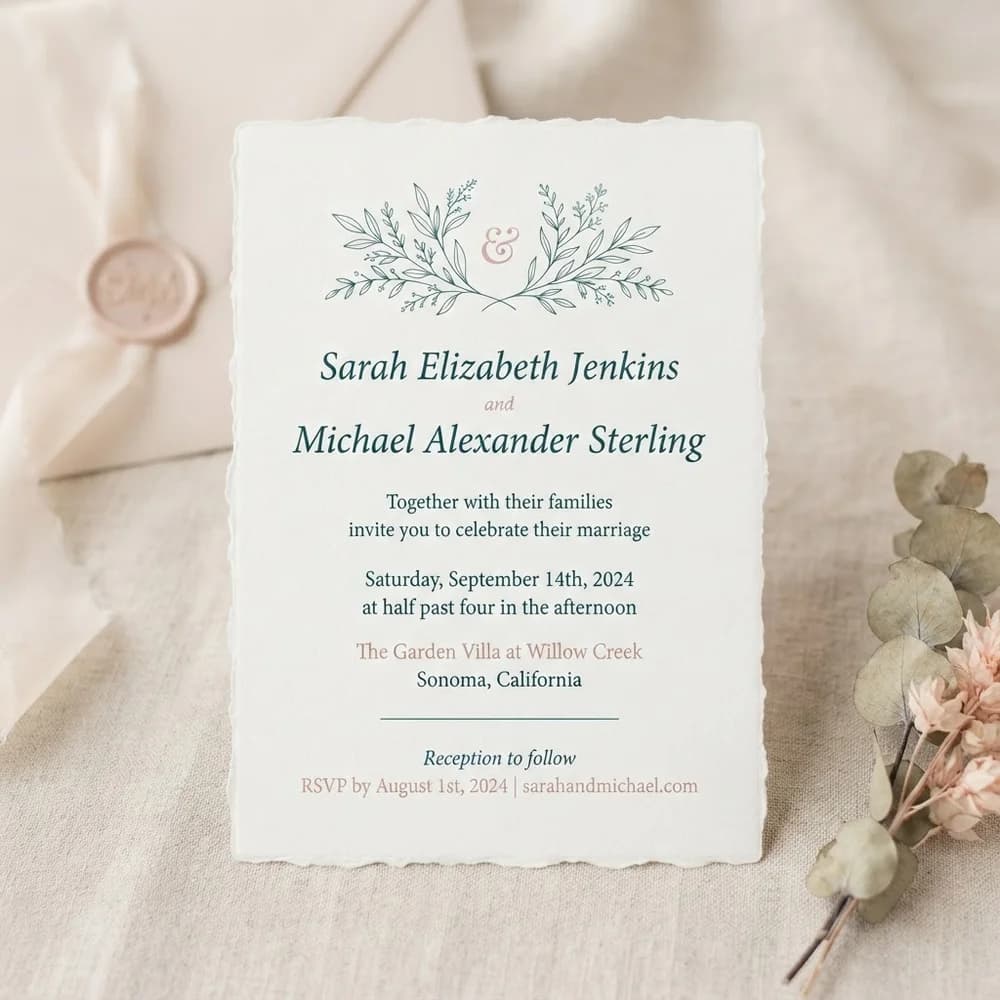
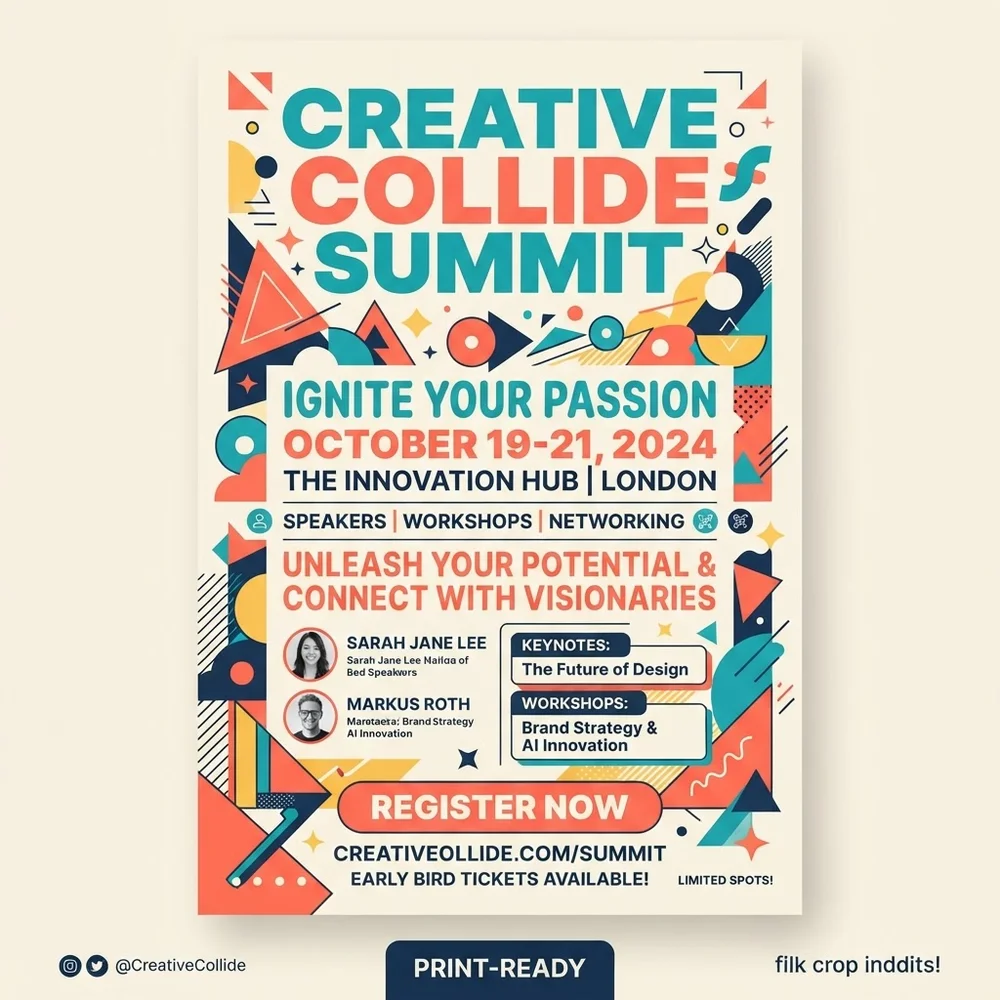
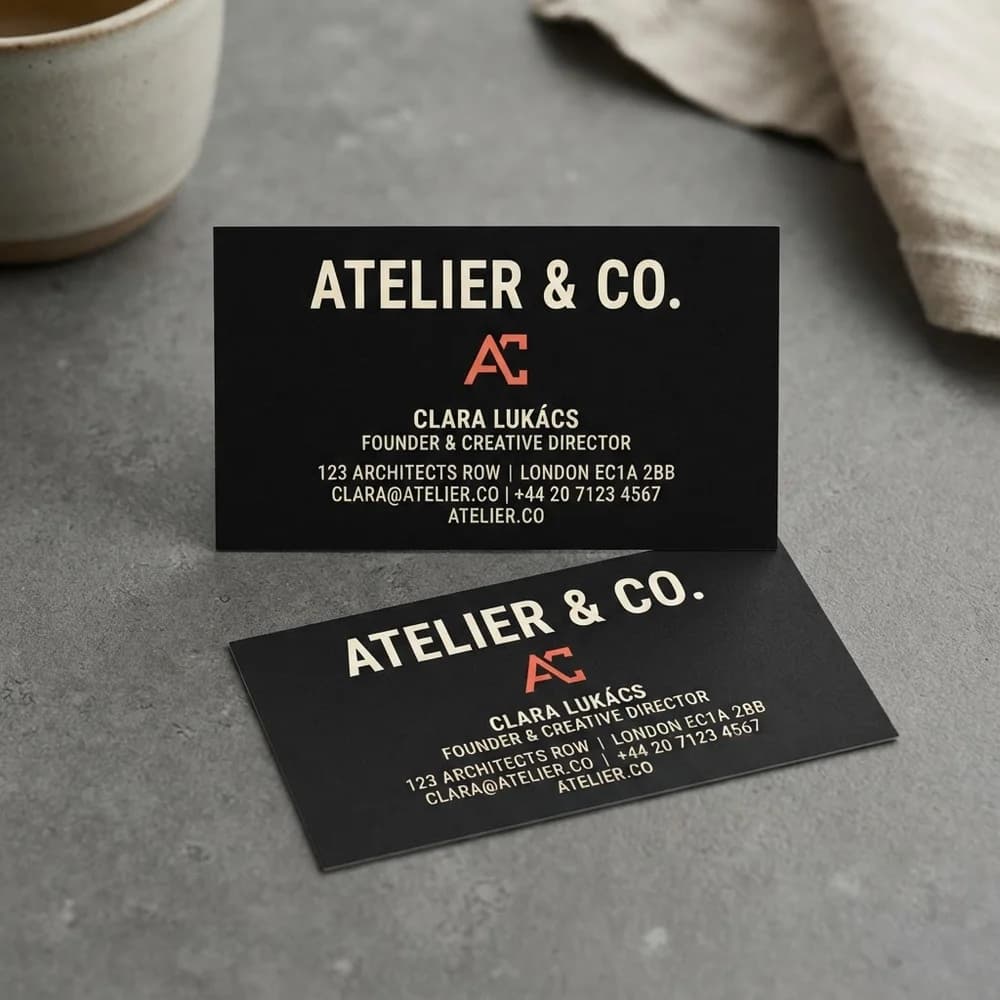
From brief to finished design.
Start with a sentence. Keep refining until the details feel right.
Give your idea a startDescribe your idea.
Tell us the occasion, colours, and words to include. Start with a sentence and add details as you go.
No design vocabulary requiredRefine the details.
Preview an editable design. Ask for changes in conversation or edit the text right in the preview.
A real template, not just an imageDownload or keep creating.
Download your PNG. Sign in to save your design and continue editing in Studio.
Your first draft is just the beginning
What will you make?
Invitations, business cards, flyers, and more. Pick an example to start with a brief you can make your own.
Example designAn invitation worth keeping.
For the moments that bring us together.
Example designA little card. A lasting impression.
Introduce your business in your own style.
Example designSomething to get the word out.
Put your next event or announcement on paper.
More ways to put it on paper.
Editable from
the first draft.
Change the wording, adjust a colour, or ask for a new direction. Your design stays editable as it takes shape.
- Refine without starting over.
- Ask for a different colour, move a detail, or edit the wording in the preview. Keep the parts you like and change the rest.
- Ready to leave the screen.
- Your template starts at the right size, with orientation and bleed built in. Download a high-resolution PNG when you’re ready.
- Keep working in Studio.
- Sign in to save your editable template and open it in Studio for further refinements.
Have something
in mind?
Start free with a sentence, then make the details your own in Create.
Let’s make something Or find a starting point